
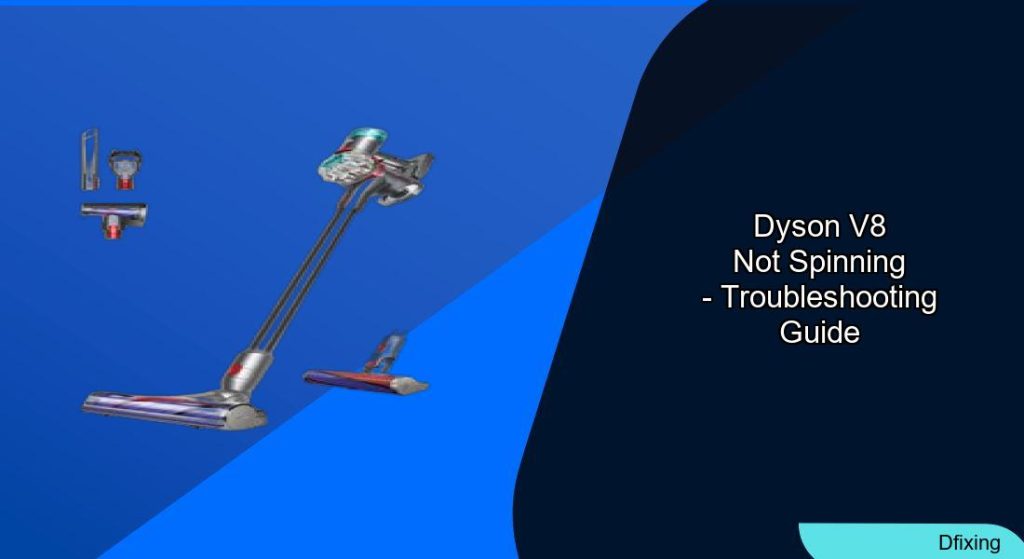
A non-spinning brush head on your Dyson V8 vacuum can significantly hinder its cleaning performance, especially when tackling carpets and rugs. This common frustration often manifests as reduced suction, leaving dirt behind, or even strange noises emanating from the cleaner head.
Affiliate disclosure: As an Amazon associate, We'll earn a commission for every successful order through our affiliate links in the article. However, you won’t be charged anything for this.
This guide will walk you through a comprehensive set of troubleshooting steps, from basic cleaning to more involved inspections. By following these procedures, you can identify the cause of the problem and, in many cases, restore your vacuum’s brush head to full functionality, ensuring your home stays spotless.
Diagnosing Your Dyson V8 Brush Head Problem
When your Dyson V8’s brush head ceases to spin, it’s a clear indicator that something is amiss. The most obvious symptom is the roller bar remaining stationary during operation. This directly leads to ineffective cleaning, particularly on carpeted surfaces where the brush’s agitation is crucial for dislodging dirt. You might also notice reduced suction power or hear unusual grinding or whirring sounds if the motor is trying to turn a jammed roller.
Before diving into complex repairs, start with these initial checks:
- Clean the Roller Thoroughly:
- Locate the slot on the side of the cleaner head. Use a large coin to turn the end cap a quarter turn, which will release the brush bar.
- Remove the roller and meticulously clean it of any tangled hair, fibers, or debris. Pay close attention to the ends of the roller and the area where it connects inside the head.
- The corkscrew mechanism inside the head can also accumulate debris. To clean this, you may need to unscrew the Torx screw (typically T4 or T6 size) after removing the brush bar and clear out any obstructions.
If you’re finding that the brush bar is consistently getting clogged with hair, or that it’s difficult to remove the end cap, it might be time to consider a replacement.
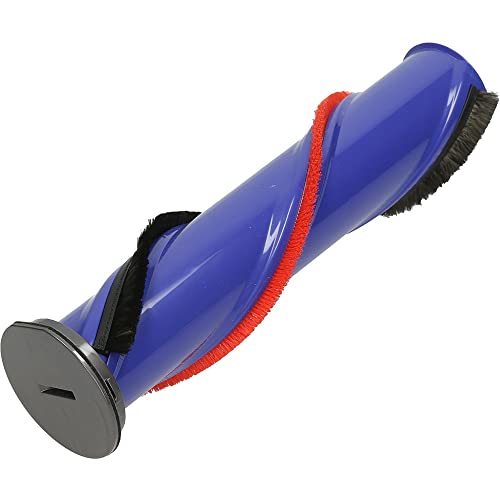
Official replacement for optimal performance
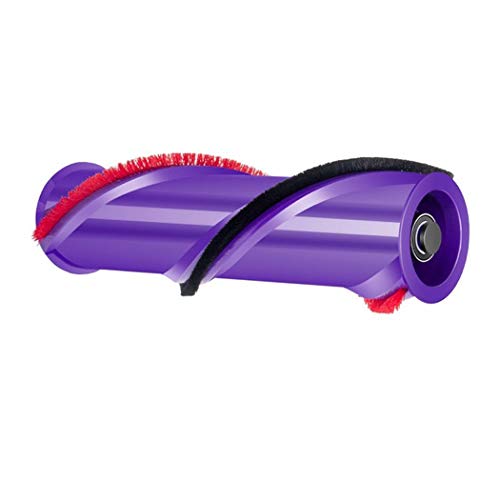
Budget option with dual-bristle design
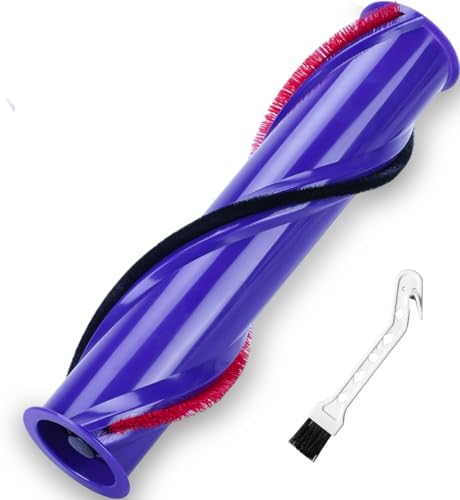
Sturdy and quiet, enhances cleaning effectiveness

Affordable with low-noise and robust build
- Inspect for Blockages:
- With the brush bar removed, use a flashlight to examine the suction port and the cavity where the roller sits.
- Carefully remove any visible blockages such as clumps of hair, string, or larger debris using scissors or a small brush. Always ensure your vacuum is unplugged before performing any cleaning or maintenance.
Advanced Fixes for a Stubborn Brush Head
If basic cleaning doesn’t get your brush head spinning again, the issue might be more intricate. These advanced troubleshooting steps can help pinpoint the problem.
Inspecting Bearings and Motor
Sometimes, the problem lies deeper within the brush bar mechanism or the motor itself.
* Check Bearings: After removing the brush bar, examine the bearings at each end. If they seem stiff or don’t rotate smoothly, they might be seized. Applying a small amount of lubricant can sometimes free them up. Also, inspect the transmission rod at the base of the motor.
* Test Motor Spin: With the brush bar removed, turn on the vacuum briefly to see if the motor spindle inside the head attempts to rotate. If it spins freely at all speeds, the motor itself is likely fine.
Examining Internal Wiring
A common culprit, especially in Dyson V7 and V8 models, is damaged wiring within the articulating neck of the brush head.
* Procedure: Carefully inspect the wires that run through the neck connecting the main body to the brush head. Look for any visible signs of fraying, breaks, or kinks. If damaged wires are found, they will need to be repaired or the neck assembly may require replacement.
Motor and Drive Belt Check
Issues with the small motor within the brush head or its drive belt can also prevent spinning.
* Inspect the Drive Belt: The drive belt connects the motor to the brush bar. It’s located inside the cleaner head housing. Check if the belt is loose, worn, cracked, or broken. A damaged belt will need replacement.
* Test the Motor Manually: Try to rotate the brush bar by hand (with the vacuum off). If it feels completely stuck, there could be an internal motor issue or a severe blockage. Ensure motor connections are secure and show no signs of damage.
Cleaning Electrical Connections
Dust and debris can accumulate on the electrical contacts between the wand, the main body (canister), and the cleaner head, interrupting power to the brush motor.
* Procedure:
1. Detach the wand from the main body and the cleaner head from the wand.
2. Using a q-tip lightly dipped in rubbing alcohol, carefully clean the metal electrical contact points on the main unit, both ends of the wand, and the cleaner head.
3. Focus on the leads that transmit power, ensuring they are free of any grime or oxidation.
Addressing Hair Tangles in the V8 Motor Housing
A specific issue noted with the Dyson V8, particularly after cleaning carpets, is hair entanglement directly in the motor housing gap within the cleaner head. This can cause the motor to seize.
- Repair Steps:
- Locate and carefully remove the small screws (usually four) that secure the motor housing within the cleaner head.
- Once opened, identify the small gap between the motor itself and its plastic housing. This is where fine hairs tend to accumulate and compact.
- Thoroughly clean out any entangled hair.
- To prevent recurrence, you can fashion a barrier. Some users have found success using a small piece of tape or a precisely cut paper circle to block this gap, preventing hair from re-entering.
- Carefully reassemble the motor housing, ensuring the barrier is secure and all screws are tightened properly.
Maintaining Your Dyson V8 Brush Head
Regular maintenance is key to preventing the brush head from failing and ensuring your vacuum operates at peak efficiency.
- Consistent Cleaning: After each significant cleaning session, or at least weekly, remove the brush bar and clean off any tangled hair and debris. Use a cleaning brush or compressed air to clear out the housing.
- Filter Care: Your Dyson V8 has pre-motor and post-motor filters. These should be washed regularly with cold water (without detergent). Allow them to air dry completely (usually 24 hours) before reinserting. Clogged filters can reduce suction and put strain on the motor.
- Hose and Wand Inspection: Periodically check the wand and hose for any blockages. Clear obstructions using a suitable tool or compressed air.
- Empty Dust Bin Regularly: Don’t let the dust bin become overfilled. Empty it when debris reaches the MAX line. When emptying, check for any debris stuck in the cyclone assembly or around the internal seals.
- Check Airflow Path: Detach all attachments and inspect the vacuum’s intake area. A flashlight can help spot obstructions in the primary airflow path. Also, check the black-rimmed mesh filter inside the bin area for trapped objects.
- Detailed Brush Bar Cleaning:
- Flip the cleaner head upside down. Use a coin or similar flat object to twist and slide the brush bar out.
- The brush bar may consist of two parts; both can accumulate hair. Use scissors to carefully cut through tangled hair. Ensure no hair remains wrapped around the bearing areas at the ends.
- For a deeper clean, you might need to remove the T8 Torx screw at one end of the brush bar to access and clear the internal cavity.
- Dust Filter Contact Cleaning: When the bin is removed, you’ll see the internal dust filter housing. Press the white tabs on either side to access it. Clean any debris and hair from the two electrical contacts inside the bin area that power the brush bar.
- Proper Storage: Store your Dyson vacuum upright, preferably on its docking station. Avoid storing it in extreme temperatures, as this can affect battery life and material integrity.
- If you suspect the motor is faulty, consider replacing the entire brush head assembly for a guaranteed fix.
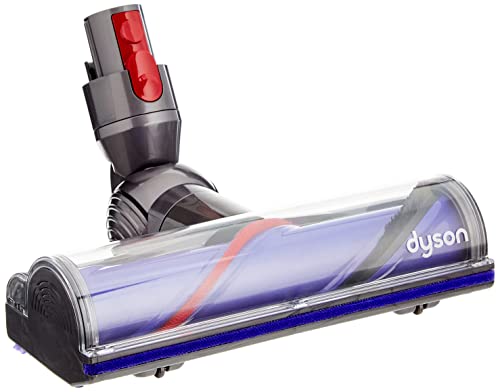
Original Dyson part for V8 vacuums.
Budget-friendly, quiet roller brush for V8.
Official Dyson brush bar with LED lights.
Cost-effective roller brush replacement for V8.
When to Seek Further Help
If you’ve meticulously followed all troubleshooting steps and your brush head still refuses to spin, it might be time for professional assistance.
- Manual Rotation Test: If the roller is completely immobile and cannot be turned by hand even after thorough cleaning, this could signal a seized motor or a more severe internal fault.
- Battery Check: Ensure your vacuum’s battery is fully charged. A very low battery might not provide enough power for all functions, sometimes mimicking operational problems.
- Contact Dyson Support: If the issue persists, contacting Dyson customer support is your next best step. They can offer further guidance or arrange for repairs if your unit is under warranty or if you prefer an official service.
- US: 866-693-9766
- UK: 0800-298-0298
- CA: 1-877-397-6622
- AU: 1800 239 766
- NZ: 0800397667
Necessary Tools and Materials
Having these items on hand can make the troubleshooting and cleaning process smoother:
- Screwdriver set (including Phillips, flathead, and potentially Torx T4, T6, T8 bits)
- Small pliers
- Replacement roller brush (if yours is significantly worn or damaged)
- Cleaning brush or old toothbrush
- Can of compressed air
- Scissors or a seam ripper (for cutting tangled hair)
- Flashlight
- Rubbing alcohol
- Q-tips
- Lubricant (e.g., silicone-based, if needed for bearings)
- Tape or thin card/paper (for the motor housing gap modification)
Frequently Asked Questions (FAQ)
Q1: What is the most common reason for a Dyson V8 brush head not spinning?
A1: The most frequent cause is tangled hair and debris wrapped around the brush bar or obstructing its ends. Blockages in the suction channel or dirty electrical contacts are also common culprits.
Q2: Can a clogged filter stop the brush head from spinning?
A2: While a clogged filter primarily affects suction, severely restricted airflow can put extra strain on the system. However, it’s less likely to be the direct cause of a non-spinning brush head unless it contributes to overall power issues or overheating that might trigger a safety cut-out affecting the motor head.
Q3: How do I know if the motor in the brush head is faulty?
A3: After thoroughly cleaning the brush bar, checking for blockages, ensuring electrical contacts are clean, and inspecting wires for damage, if the brush head motor makes no sound or attempt to spin when the vacuum is powered on (and the main vacuum motor is running), it could indicate a faulty motor within the cleaner head. You can also test if the motor spindle inside the head (with brush bar removed) tries to turn.
Conclusion
A Dyson V8 brush head that isn’t spinning can be a real nuisance, but it’s often a solvable problem. By systematically working through cleaning procedures, checking for blockages, inspecting electrical connections, and performing the more advanced troubleshooting steps detailed above, you stand a good chance of restoring your vacuum’s full cleaning power. Regular maintenance is your best defense against future issues.
Should these steps not resolve the problem, remember that Dyson’s customer support is available to provide further assistance or discuss repair options. Keeping your Dyson V8 in top condition ensures it continues to serve you well in maintaining a clean home.





