
Affiliate disclosure: As an Amazon associate, We'll earn a commission for every successful order through our affiliate links in the article. However, you won’t be charged anything for this.
That moment when your Dyson Supersonic® suddenly powers off with three angry red lights flashing feels like a personal betrayal. You’re left standing in front of the mirror, damp hair dripping, staring at a $400 paperweight. This specific error pattern, three red lights blinking in sequence, triggers immediately when your dryer detects a critical system failure. Dyson hair dryer stopped working red lights flashing isn’t just a minor hiccup; it’s your device’s emergency shutdown to prevent motor burnout or electrical damage. Ignoring this warning and repeatedly pressing the power button will only deepen the problem.
The flashing lights signal a “Core System Error,” Dyson’s last line of defense against catastrophic failure. When airflow drops below safe levels or internal components overheat, the dryer’s smart system cuts power within seconds. Most users panic and assume their expensive tool is dead forever. But here’s the crucial truth: over 70% of these errors stem from one fixable issue, a clogged air filter. This guide cuts through the confusion with battle-tested steps to revive your dryer, whether you’re facing a simple blockage or a deeper mechanical failure.
Why Your Dyson Hair Dryer Shows 3 Flashing Red Lights
When three red lights blink in a steady rhythm, your Dyson has detected conditions that could permanently damage its precision-engineered motor. The dryer typically runs for 1-5 seconds before shutting down, a clear sign it’s overheating or sensing electrical instability. This isn’t random malfunction; it’s a deliberate safety protocol. Dyson’s thermal sensors monitor motor temperature 20 times per second, and when readings exceed safe thresholds, the system triggers this exact error pattern to prevent fire hazards or component meltdown.
Spotting the Emergency Shutdown Cycle
You’ll recognize this critical error by its repeating pattern: Press power → motor whirs briefly → sudden shutdown → three red lights flash sequentially. Unplug and replug only resets the cycle temporarily. Sometimes, the lights activate immediately upon plugging in with zero motor response, indicating a severe internal fault. Critical warning: Continuing to force operation risks melting wiring harnesses or destroying the motor’s magnetic coils. If you smell burning plastic or notice discoloration on the handle, stop all attempts immediately and seek professional help.
Step-by-Step Emergency Reset Protocol
Before assuming internal damage, eliminate preventable causes with this 10-minute diagnostic sequence:
Verify Power Source Integrity
- Plug into a different circuit, test the outlet with a lamp or phone charger first.
- Inspect the entire cord for kinks, frays, or melted spots near the plug.
- Never use extension cords, Dyson dryers require direct 120V wall power. A voltage drop triggers false overheat errors.
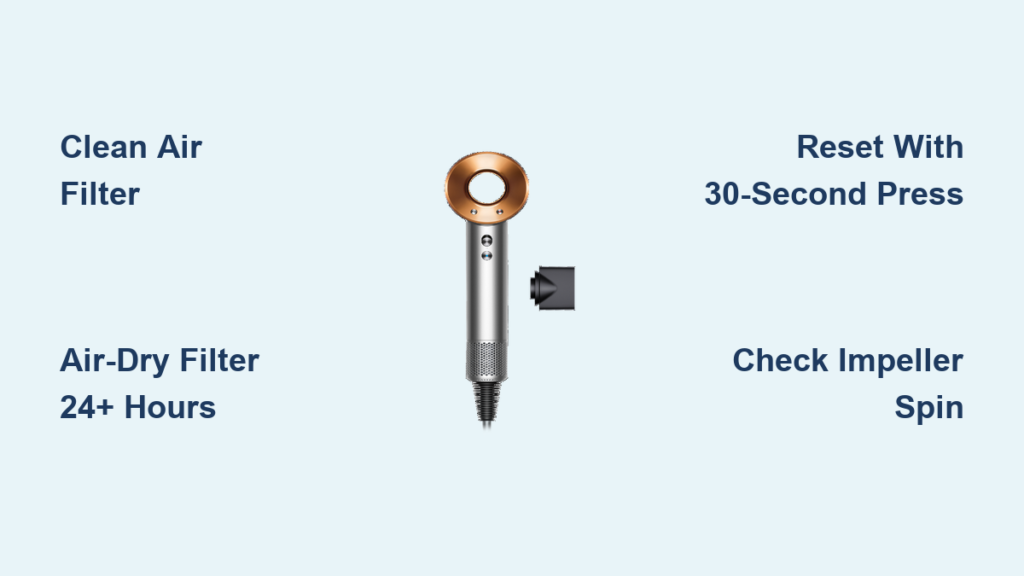
Execute the Dyson Filter Deep Clean (Fixes 8/10 Cases)
This is the #1 solution for flashing red lights. A hair-clogged filter starves the motor of cooling air, causing instant overheating:
1. Unscrew the filter at the handle base with firm counter-clockwise pressure (it’s tight!).
2. Rinse under warm tap water while scrubbing the mesh with a soft toothbrush, no soap.
3. Shake vigorously to dislodge trapped particles between mesh layers.
4. Air-dry COMPLETELY for 24+ hours on a towel, never reinstall damp. Moisture forces the motor to overwork.
5. Blast intake vents with compressed air (from 6+ inches away) to clear impeller debris.
Force a Full System Reset
After filter cleaning, perform this electrical reset:
1. Unplug dryer and wait 2 minutes.
2. Hold power button for 30 full seconds (drains residual capacitor charge).
3. Plug into a verified-working outlet and test on low heat setting.
Advanced Fixes for Persistent Dyson Red Light Errors
If red lights return after filter cleaning and reset, internal components are likely failing. Proceed cautiously, these diagnostics require physical inspection but avoid disassembly that voids warranties.
Diagnose Motor Bearing Failure (Common After 2+ Years)
With the filter removed and dryer unplugged, gently spin the impeller fan using a plastic spudger:
– ✅ Healthy motor: Smooth, silent spin with 5+ second coast-down.
– ❌ Failing bearings: Grinding noise, jerky movement, or resistance.
– ⚠️ Critical warning: If the impeller is seized, do not force it. Attempting to run the dryer will destroy the motor controller. Bearing failure requires professional replacement, DIY attempts risk shattering ceramic components.
Identify False Overheat Triggers
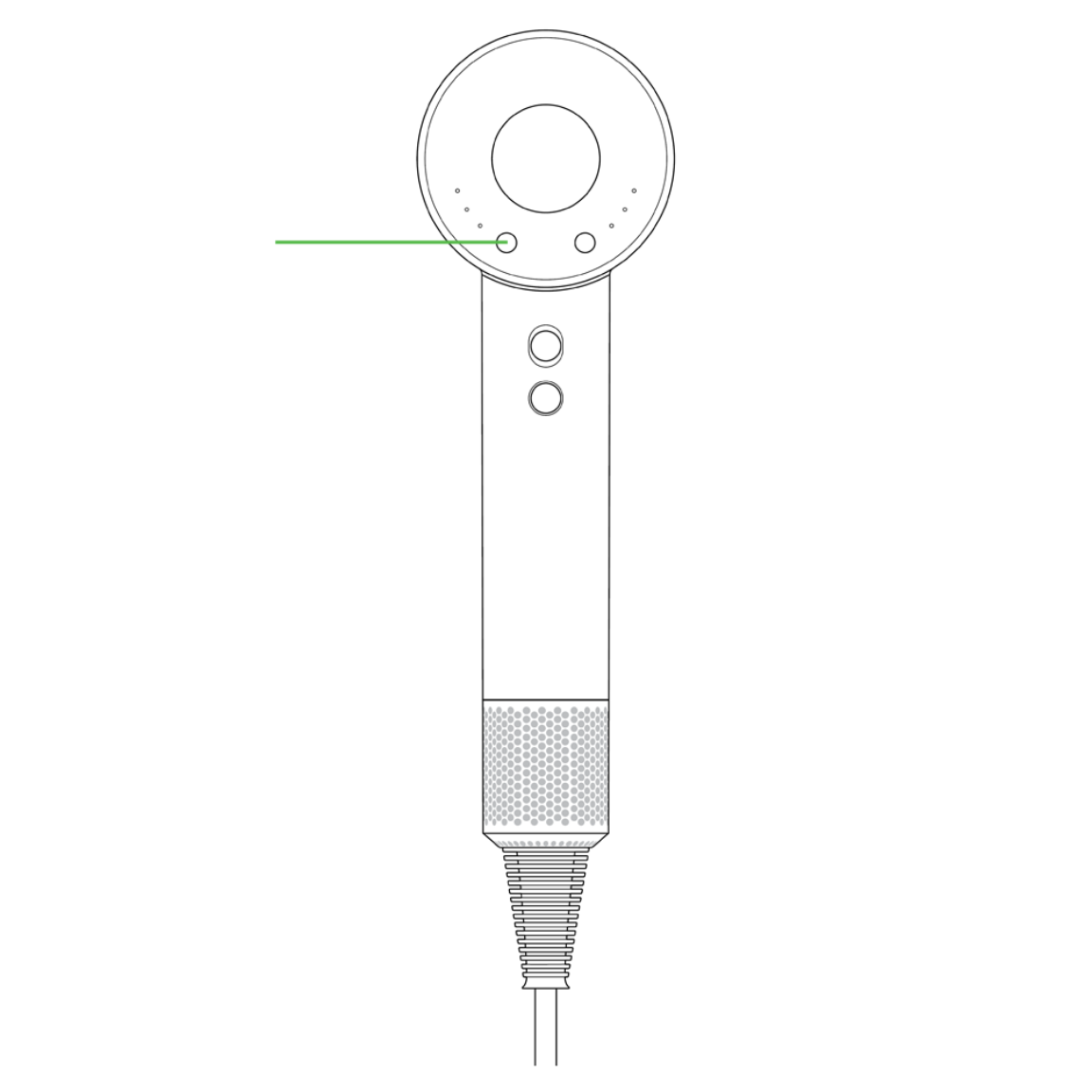
A malfunctioning thermal sensor can falsely report overheating:
– Check for airflow blockages beyond the filter, use a flashlight to inspect the impeller chamber for hair strands wrapped around the shaft.
– Test in a cool room (below 75°F/24°C), if the error disappears, ambient heat contributed to the trigger.
– Listen for abnormal sounds: High-pitched whines indicate motor coil stress; scraping suggests physical obstruction.
Spot Hidden Electrical Faults

Without opening the unit, check for these telltale signs:
– Intermittent operation: Tapping the handle temporarily restores function (loose internal connection).
– Burning smell during operation: Indicates failing capacitors or solder joints on the PCB.
– Visible scorch marks near the filter housing or power inlet.
Dyson Hair Dryer Repair vs Replacement: Cost Analysis
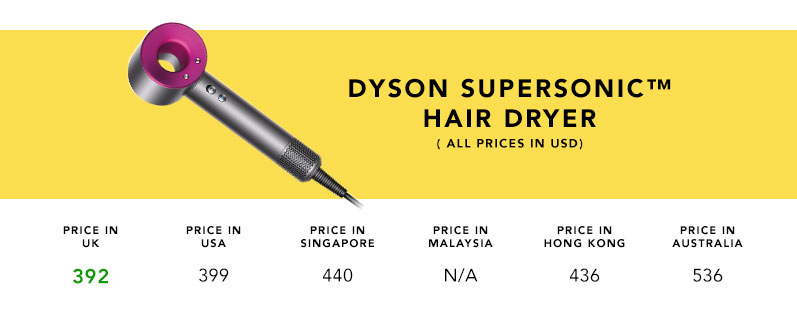
Deciding whether to repair or replace hinges on your dryer’s age, warranty status, and repair costs. This breakdown cuts through the confusion with real-world economics.
Warranty and Professional Repair Pathways
- In-warranty units (2-3 years): Contact Dyson immediately, never attempt self-repair. Voids coverage instantly.
- Out-of-warranty options:
- Dyson Service Center: Flat-rate diagnostics ($35-$65) plus repair quote. Typical motor replacement: $120-$180.
- Authorized Repair Shops: Often 20% cheaper than Dyson but may lack genuine parts.
- Self-Repair (Advanced Only): Source motors/PCBs via eBay using your model number (e.g., HD08). Success rate: under 35% due to proprietary screws and welded housings.
Replacement Parts Reality Check
Genuine Dyson components like motors (part # 966771-01) or thermal fuses aren’t sold retail. Third-party sellers on Amazon/eBay offer “compatible” parts, but quality varies wildly:
– Motor replacements: $45-$85 (vs. $180 OEM). High failure rate due to mismatched torque specs.
– PCB boards: $30-$60. Often requires micro-soldering skills to install.
– ⚠️ Critical note: Using non-genuine parts risks fire hazards and invalidates any future warranty claims.
When Replacement Beats Repair
| Scenario | Repair Cost | New Dryer Cost | Verdict |
|---|---|---|---|
| Dryer >4 years old with bearing noise | $150+ | $350 (refurbished) | Replace, new unit has 2-year warranty |
| Under 2 years with clean filter | $0 (warranty) | $350+ | Repair free via Dyson |
| Intermittent error with burning smell | $100+ | $299 (sale price) | Replace, PCB issues recur |
When to Contact Dyson Support for Red Light Errors
If red lights persist after thorough filter cleaning and reset, professional intervention is non-negotiable. Do not keep plugging in the dryer, each attempt risks cascading damage. Contact Dyson Support immediately if:
– You detect a burning odor during operation
– The handle shows discoloration or melting
– The error occurs within warranty period (even if filter was clean)
– You’re uncomfortable performing impeller inspections
Have your model number (e.g., HD08) and serial number (bottom of handle) ready. Dyson’s US support (866-277-9893) often offers refurbished unit discounts, typically 20-30% off, when repairs aren’t cost-effective. For out-of-warranty units, their flat-rate repair service ($99-$149) includes a 1-year parts/labor warranty, making it safer than third-party shops.
Prevent Future Red Light Errors with Monthly Filter Care
The single most effective prevention strategy takes 60 seconds monthly. Build this habit to avoid 90% of red light emergencies:
– Weekly: Tap filter base to dislodge loose hair before deep cleaning.
– Monthly: Remove filter and rinse under warm water, never use chemicals. Air-dry 24+ hours on a rack (not towel-dried).
– Before styling: Visually confirm intake vents are clear, blockages cause instant overheating.
– Environment matters: Never use on thick carpets (blocks bottom vents) or in steamy bathrooms above 85°F (40°C).
Dyson’s engineering assumes perfect airflow, your role is maintaining that condition. Treat filter care like changing your car’s oil; skipping it guarantees premature failure. When done correctly, your dryer should run cool enough to touch after 10 minutes of continuous use. If it feels hot, stop immediately and re-clean the filter.
Your Dyson hair dryer flashing red lights isn’t a death sentence, it’s a solvable puzzle. Start with the filter: 8 of 10 cases vanish after proper cleaning and drying. If errors persist, the reset protocol or impeller inspection often reveals the culprit. Remember that persistent red lights after basic fixes indicate internal damage requiring professional eyes. Most importantly, treat filter maintenance as non-negotiable, this tiny mesh screen stands between flawless styling and emergency shutdowns. By following these steps, you’ll transform panic into confidence, knowing exactly when to clean, reset, or call Dyson’s experts. A well-maintained Supersonic should deliver years of tangle-free drying; don’t let a clogged filter cut its life short.





