

The Dyson DC35 handheld vacuum is celebrated for its powerful suction and versatility, but a recurring issue—its motorhead brush stopping after a few seconds—can frustrate users and hinder cleaning efficiency, especially on carpets. This guide delves into diagnosing the root causes, offering step-by-step solutions, and providing maintenance tips to extend the vacuum’s lifespan. Whether you’re facing a seized brush roller, electrical glitches, or battery-related hiccups, this article equips you with actionable insights to restore your DC35’s performance without relying solely on customer service.
Affiliate disclosure: As an Amazon associate, We'll earn a commission for every successful order through our affiliate links in the article. However, you won’t be charged anything for this.
Diagnosing the DC35 Motorhead Issue
The motorhead’s failure to spin often stems from mechanical obstructions, electrical faults, or power delivery problems. Begin by identifying the exact cause through systematic checks:
Check the Black Spiral Connector
The black spiral connector inside the motorhead is a common culprit.
1. Remove the brush roller and inspect the connector.
2. Ensure it spins freely without the roller in place.
If it’s stiff or immobile, hair and debris buildup behind the spindle might be the cause. Use a cotton swab or small tool to clear obstructions. Even if the connector appears functional, hidden hair accumulation could still disrupt its operation.
Clean the Brush Roller and Internal Components
Hair and debris often jam the brush roller, causing mechanical resistance.
1. Disassemble the brush head completely.
2. Remove hair from the roller and inspect internal components for wear or plastic fragments.
3. Clean thoroughly, ensuring no debris remains in the hub or housing.
A clogged roller can mimic electrical failures, so meticulous cleaning is essential.
Assess Battery Power Delivery
A weak battery may fail to supply adequate power to the motorhead.
1. Test if the brush head makes a spinning noise when it stops.
2. If the motorhead is silent, the battery might not deliver sufficient voltage.
Charge the vacuum fully and retest. Persistent power issues may indicate a failing battery or wiring problem.
If the battery is not holding a charge or is quickly draining, it may be time for a replacement. This will ensure the motorhead receives adequate power.
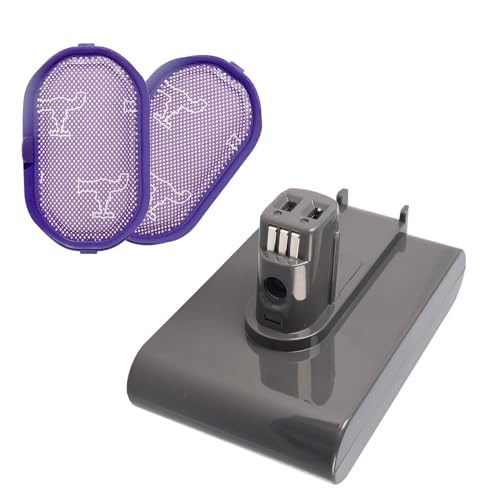
Highest capacity option with extended runtime and safety certifications
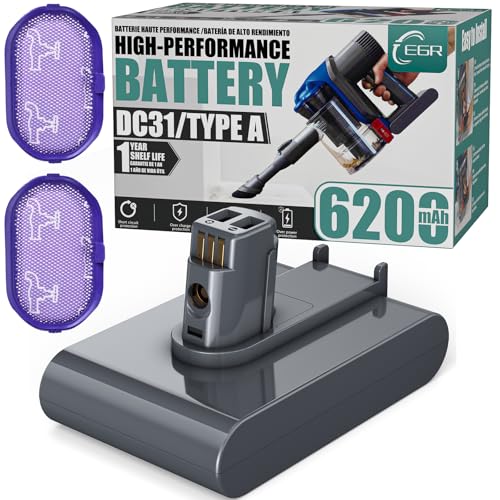
Balanced performance with non-slip design and 28-minute runtime

Budget-friendly option with comprehensive safety protections
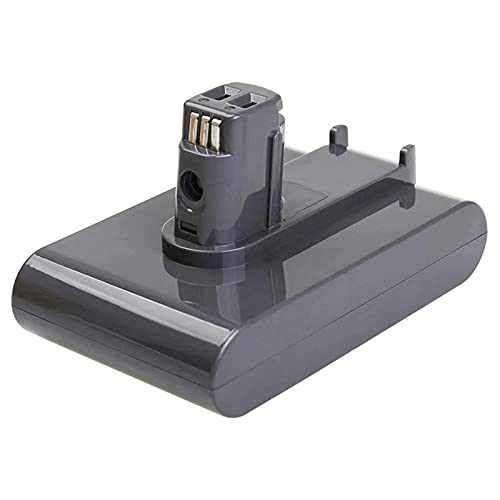
Affordable replacement with CE/FCC certification and 1-year warranty
Inspect for Loose Wires
Electrical connectivity issues can cause intermittent spinning.
1. Open the motorhead and examine internal wiring.
2. Look for loose, frayed, or disconnected wires.
Secure any loose connections or replace damaged wires. A faulty wire may cause the brush head to stop and restart unpredictably.
Advanced Troubleshooting: Disassembly and Repair
For persistent issues, a deeper inspection is necessary. Follow these steps to address hidden obstructions or mechanical failures:
Tools Required
- Coin (to unlock the brush tube)
- Philips screwdriver
- Small Torx screwdriver (CR-VT7)
- Round-nose pliers
- Cotton swabs and rubbing alcohol
Step-by-Step Disassembly
- Remove the Spinning Brush Tube: Use a coin to unlock the side cap and slide the tube out.
- Detach the Front Bar: Unscrew the two Philips screws securing the front bar.
- Extract the Cog: Remove the Torx screw in the cog’s center (hold the cog steady with a pen), then pull it out with pliers.
- Clean Debris: Use a cotton swab to clear hair from the cog’s hub and brush bar. For stubborn buildup, apply rubbing alcohol.
- Reassemble: Reinsert the cog, secure it with the Torx screw, reattach the brush bar, and close the side cap.
Test the vacuum post-reassembly to confirm the brush spins freely.
When to Replace the Motorhead
If cleaning and repairs fail, replacing the motorhead may be the only solution. Users report mixed success with Dyson’s customer service, so purchasing a replacement from retailers like eBay is often faster. Ensure compatibility with the DC35 model before buying.
Additional Common Issues and Solutions
| Issue | Cause | Solution |
|---|---|---|
| Loss of Suction | Clogged motorhead, dirty filters | Clean filters and inspect hose/blockages |
| Motorhead Not Rotating | Jammed roller, damaged brushes | Clear obstructions or replace roller |
| No Power to Motorhead | Low battery, dirty contacts | Charge battery; clean contacts with eraser |
| Filter Problems | Clogged filter, debris buildup | Rinse filter; replace if damaged |
Regular Cleaning
- Brush Roller: Clean weekly to prevent hair buildup. Use scissors to cut away threads and rinse with warm water.
- Filters: Wash monthly in warm water with mild detergent. Dry completely before reinserting. If your filter is damaged or you want to improve filtration, consider a replacement filter.
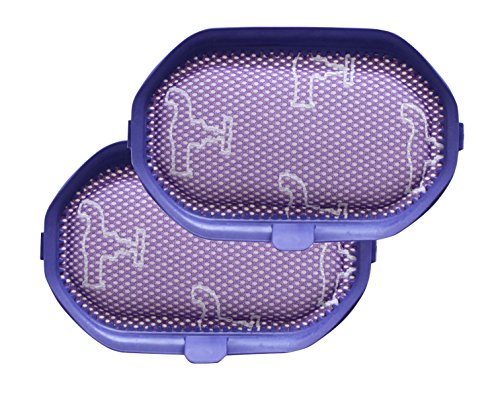
Budget-friendly washable filters for DC35
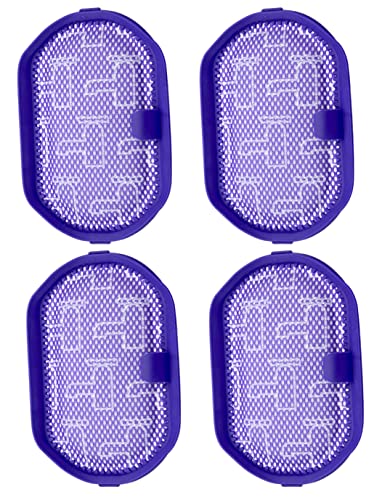
Includes cleaning brush for easy maintenance
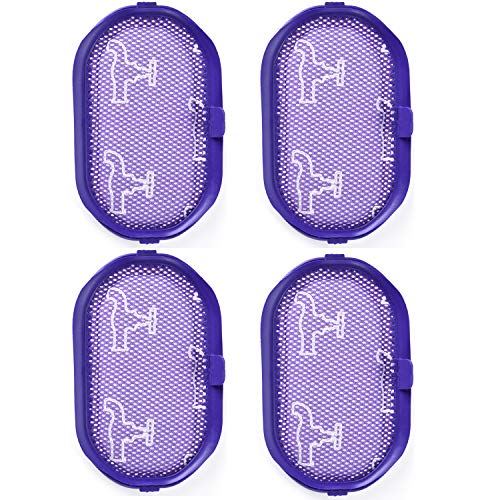
Premium high-quality washable filters
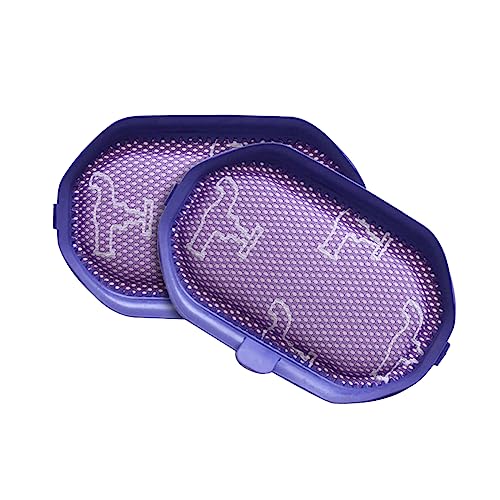
Affordable washable filters for DC35
Preventative Care
- Electrical Contacts: Clean terminals every three months with rubbing alcohol to prevent corrosion.
- Storage: Hang the vacuum in a dry space to avoid flattening the roller and ensure airflow.
Frequently Asked Questions (FAQ)
Why does my Dyson DC35 motorhead stop after a few seconds?
The most common causes are hair in the brush roller, a seized black spiral connector, or loose electrical connections. Start by cleaning the motorhead and inspecting wiring.
Can a weak battery cause the motorhead to stop?
Yes. A low battery may not supply enough power to sustain the motorhead’s spin. Fully charge the vacuum and retest.
How often should I clean the Dyson DC35 filter?
Clean the filter once a month. If it’s heavily clogged or damaged, replace it to maintain suction efficiency.
Is it worth repairing the DC35 motorhead?
DIY cleaning and repairs are cost-effective for debris-related issues. If mechanical or electrical failures persist, replacing the motorhead is advisable.
Conclusion
A non-spinning Dyson DC35 motorhead often stems from preventable issues like debris buildup or loose wiring. By following this guide’s diagnostic steps and maintenance tips, most users can resolve the problem without professional help. For persistent failures, replacing the motorhead or seeking third-party repairs offers a practical solution. Regular cleaning and proper storage not only fix current issues but also extend the vacuum’s lifespan, ensuring your DC35 remains a reliable cleaning companion.





