
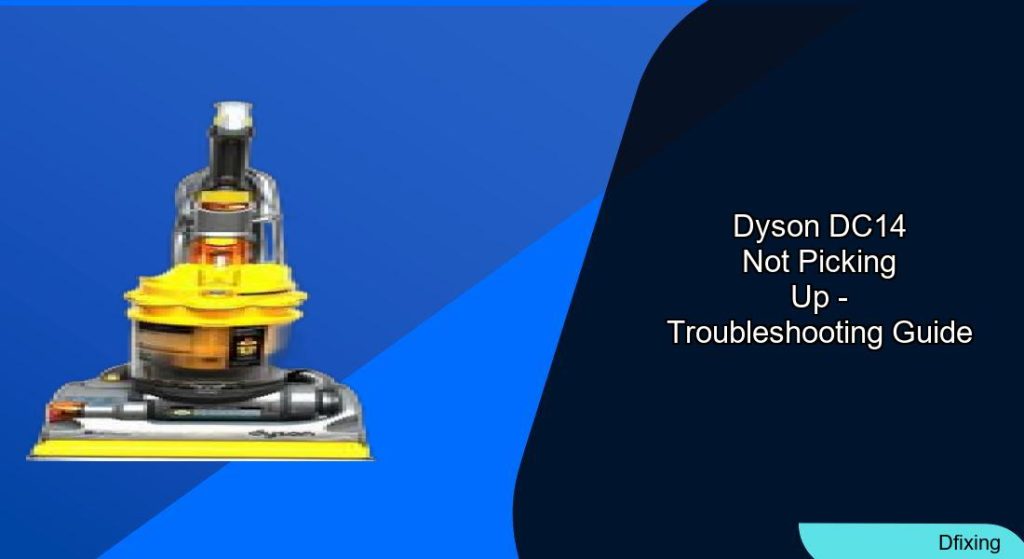
The Dyson DC14 is a powerful vacuum cleaner known for its impressive suction capabilities. However, like any mechanical device, it can develop issues over time that affect its performance. If your Dyson DC14 isn’t picking up debris as it should, you’re not alone. This is a common problem that many Dyson owners face, but the good news is that most suction issues can be resolved with proper troubleshooting and maintenance.
Affiliate disclosure: As an Amazon associate, We'll earn a commission for every successful order through our affiliate links in the article. However, you won’t be charged anything for this.
In this comprehensive guide, we’ll walk through the most common causes of suction loss in the Dyson DC14 and provide detailed, step-by-step solutions to get your vacuum working like new again. Whether you’re dealing with clogged filters, blocked airways, mechanical issues, or other problems, we’ve got you covered with practical advice that can save you a service call and restore your vacuum’s cleaning power.
Key Causes of Suction Loss in Dyson DC14
When your Dyson DC14 stops picking up debris effectively, several common culprits might be to blame. Identifying the correct issue is the first step toward resolving it. Here are the primary reasons your vacuum might be losing suction:
Clogged Filters
The DC14 uses a dual-filter system that can significantly impact suction when dirty:
Pre-Motor Filter (Main Filter)
- Located near the motor
- Catches larger debris particles
- When clean, light should pass through it
Requires regular cleaning to maintain efficiency
Post-Motor Filter (Exhaust Filter)
- Located at the back of the vacuum
- Contains a HEPA filter that is non-washable
- Filters air exiting the vacuum
- May need replacement when heavily soiled
Secondary Filter
- Side-mounted near the exhaust
- Washable component
- Should be included in routine maintenance
How to Clean Dyson DC14 Filters:
For Pre-Motor Filter:
- Turn off and unplug the vacuum
- Remove the filter from its housing (may require disassembling the dust cup)
- Shake out loose dust
- Rinse under cold water
- Allow to dry completely (minimum 24 hours) before reinstalling
For Post-Motor Filter:
- Turn off and unplug the vacuum
- Locate and remove the filter at the back
- Gently tap to dislodge dust
- If very dirty, vacuum with a brush attachment
- Ensure it’s completely dry before reinstalling
- Consider replacement when debris buildup is significant
General Filter Maintenance Tips:
- Clean filters every 2-3 months
- Compressed air can help remove embedded dust
- Avoid direct contact with HEPA filter fibers
- Third-party filters can work but ensure proper installation
If your filters are heavily soiled or damaged, replacing them is essential to restore suction.

Genuine Dyson pre-motor filter for optimal performance

Third-party pre-motor filter with washable design
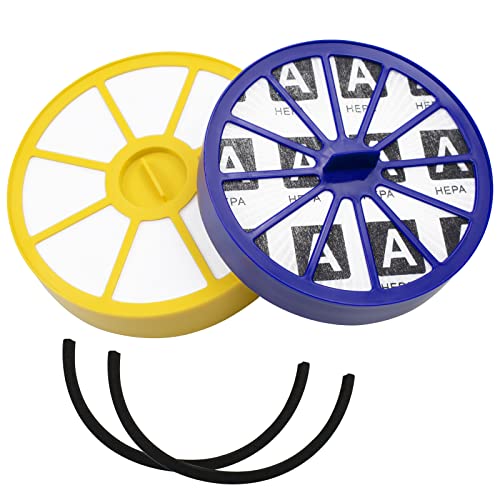
Complete set with pre and HEPA post filters for DC14/15

Budget-friendly replacement for pre or post filters
Blocked Hoses and Airways
Obstructions in the vacuum’s airflow path are another major cause of suction problems:
Checking for Hose Blockages:
- Turn off and unplug the vacuum
- Disconnect the hose from both ends
- Hold it up to a light source to identify blockages
- Use a pipe cleaner, irrigation pipe, or thin flexible tool to remove obstructions
- Reconnect and test suction
Inspecting the Small Suction Hose:
- Locate the small clear hose connecting the main body to the cleaning head
- Pull it out and check for cracks or blockages
- Ensure proper connection at both ends
- Replace if damaged
Examining the Airway:
- Detach the cyclone assembly from the clear bin
- Tap it to dislodge caked dust
- Inspect internal pathways, including the U-bend and pre-dustbin area
- Use a flexible tool to remove hidden obstructions
Mechanical Issues Affecting Suction
Beyond blockages, several mechanical problems can impact your Dyson DC14’s performance:
Brush Roll Problems
The brush roll (or brush bar) is crucial for effective carpet cleaning. Issues include:
Tangled Brush Roll:
- Turn off and unplug the vacuum
- Remove the brush roll from its housing
- Cut away tangled hair, string, or fibers
- Check for visible damage
- Reattach and test if it spins freely
Brush Bar and Clutch Mechanism:
The clutch allows the brush roll to stop when it encounters resistance, preventing damage. Signs of clutch failure include:
* Brush roll slowing or stopping during normal use
* Inability to pick up debris from carpets
* Brush roll that can be easily stopped by hand
Clutch Replacement Steps:
1. Remove the vacuum can and clutch housing
2. Disengage the old clutch (may require cutting the belt)
3. Use T15 screws for proper alignment
4. Install the new clutch with appropriate belt tension
5. Secure without using lubricants like WD-40 (isopropyl alcohol is preferred for disassembly)
If the clutch is broken or worn, replacing it is necessary for the brush roll to function correctly.
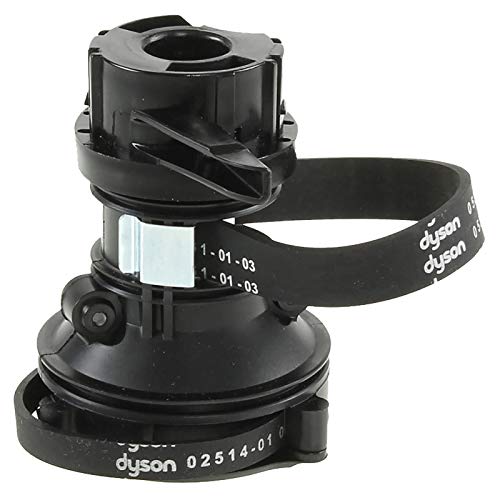
Official Dyson replacement clutch with belts for DC14

OEM clutch assembly for DC14 with genuine part number

4-pack of replacement belts for DC14 clutch system
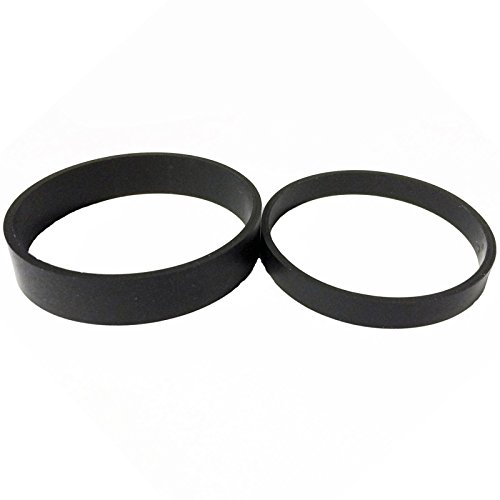
2-pack of premium replacement belts for DC14 clutch
Belt Replacement
The belt drives the roller brush rotation and commonly fails over time:
Symptoms of Belt Failure:
* Roller brush doesn’t spin when vacuum is on
* Reduced cleaning performance on carpets
Replacement Steps:
1. Turn vacuum upside down
2. Loosen the three locking pieces securing the roller brush
3. Access and remove the old belt
4. Stretch the new belt to apply proper tension
5. Route it through the internal suction tube and housing
6. Reassemble components, ensuring the belt aligns with locator pins
7. Reconnect the suction tube
A broken or stretched belt will prevent the brush roll from spinning, requiring a replacement.
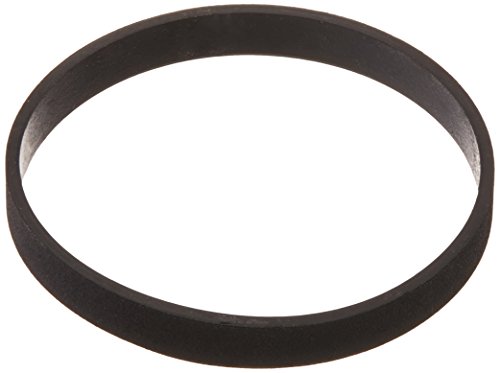
Official Dyson belt with exact part compatibility
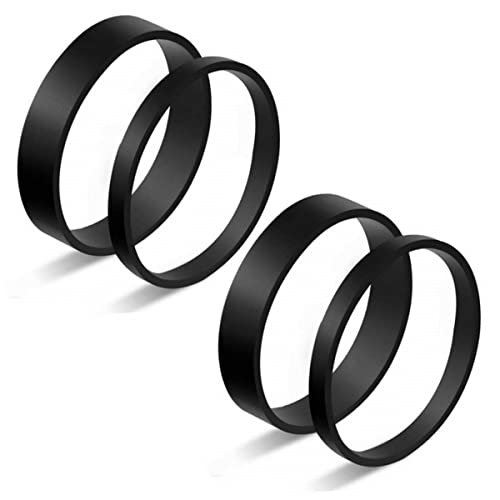
Durable rubber replacement set for Dyson clutches
High-performance clutch belt set for Dyson models
Complete official replacement for worn clutch systems
Changeover Valve Issues
The changeover valve switches suction between the floor head and the hose attachment:
Diagnosing Valve Problems:
1. Remove the ball cover and filter to access the valve
2. Check for obstructions like small plastic tubes or debris
3. Use needle-nose pliers to remove any obstructing items
4. Manually flip the valve to ensure it moves freely
5. Test suction in both floor and hose modes
If the changeover valve is damaged or not functioning properly, it may need to be replaced to restore proper suction to both the floor head and hose.
Search term for Amazon: Dyson DC14 Changeover Valve
Dust Bin and Seal Problems

Full or Improperly Sealed Dust Bin
A full dust bin compresses dirt and reduces airflow, while improper sealing causes air leaks:
Emptying and Cleaning the Dust Bin:
1. Press the release button and remove the bin
2. Empty contents into a trash receptacle
3. Rinse with water if necessary and dry completely
4. Disassemble the dust cup and washable bottom tank separately
5. Remove accumulated dirt and grime
6. Reattach securely, ensuring proper alignment
Worn or Damaged Seals
Deteriorated seals around connections can cause air leaks:
Inspecting and Replacing Seals:
1. Examine all seals for wear, cracks, or damage
2. Pay special attention to the bin seals and hose connections
3. Replace any compromised seals
4. Ensure all connections are tight and secure
5. Test for improved suction
If the seals are damaged or worn, they need to be replaced to prevent air leaks and maintain proper suction.
Search term for Amazon: Dyson DC14 Seal Replacement
Troubleshooting Specific DC14 Suction Problems
No Suction on Floor Head
If your DC14 has suction through the hose but not on the floor:
Possible Causes and Solutions:
1. Blockage in small hose behind beater brush
Remove and clean the small clear hose
Check for cracks or damage
2. Loose or damaged changeover valve
- Inspect the valve mechanism
- Remove obstructions
- Ensure smooth operation
2. Missing soleplate or pre-motor filter
- Check for missing components
- Install replacements as needed
If the soleplate is missing, a replacement is necessary to maintain proper suction on the floor.

Official replacement for DC14 vacuum with model-specific fit

Original design compatible with over 40 Dyson models
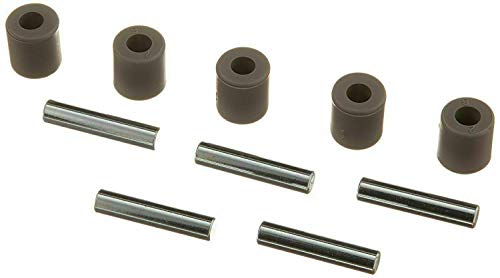
Premium branded replacement with extended warranty
Air Coming Out of Small Vent
Improper airflow can result in air escaping from unexpected places:
Troubleshooting Steps:
1. Check dirt intake screen
Remove the canister
Clean the black mesh screen inside
2. Inspect for air leaks
Ensure all connections are secure
Check for damaged seals or hoses
Verify proper assembly of all components
Missing Components
Some suction issues stem from missing parts:
Soleplate
- Maintains proper seal with the floor
Replacement can improve suction
Pre-motor filter
- Protects the motor from debris
- Essential for proper airflow
- New filter can enhance performance
Maintenance Tips for Optimal Performance
Regular maintenance prevents many suction problems before they start:
Routine Cleaning Schedule
- Filters: Clean every 2-3 months
- Brush Roll: Check after each use for tangles
- Hoses: Inspect monthly for blockages
- Dust Bin: Empty when contents reach the MAX line (typically after each use)
Proper Usage Habits
- Avoid vacuuming wet surfaces
- Use appropriate attachments for different surfaces
- Don’t overload the dust bin
- Turn off the vacuum when changing attachments
- Store properly with hose and cord neatly arranged
Advanced Maintenance
- Clean the cyclone assembly by detaching and tapping out debris
- Check the internal screen regularly
- Inspect the hose spring for wear (replacement involves heating the hose for flexibility)
- Avoid using lubricants like WD-40 on mechanical components
Frequently Asked Questions (FAQ)
Why does my Dyson DC14 have good suction through the hose but not on the floor?
This typically indicates an issue with the changeover valve or a blockage in the small suction hose that connects to the floor head. Check both components for obstructions and proper operation. The changeover valve can be accessed by removing the ball cover and filter, while the small hose should be inspected for cracks or blockages.
How often should I clean the filters on my Dyson DC14?
For optimal performance, clean your Dyson DC14 filters every 2-3 months under normal household use. If you have pets or vacuum frequently, you may need to clean them more often. The pre-motor filter is washable, but must dry completely (24 hours minimum) before reinstallation. The HEPA post-motor filter should be replaced rather than washed when it becomes dirty.
What causes the brush bar to stop spinning on a Dyson DC14?
Several issues can prevent the brush bar from spinning properly:
1. A tangled brush roll with hair or string wrapped around it
2. A broken or stretched belt that needs replacement
3. A faulty clutch mechanism that fails to engage the brush
4. Blockages in the airway that affect the brush roll’s operation
Inspect each of these components and address any issues found to restore proper brush roll function.
Can I use third-party replacement parts for my Dyson DC14?
Yes, third-party replacement parts can work effectively for the Dyson DC14, especially since some original parts like the clutch are discontinued. However, ensure you purchase quality components designed specifically for the DC14 model. For critical components like filters, using Dyson-compatible parts ensures proper fit and maintains filtering efficiency.
Why is my Dyson DC14 making a high-pitched whining noise?
A high-pitched whining noise often indicates:
1. A partially blocked airway creating unusual air pressure
2. A failing motor bearing
3. An issue with the brush roll or clutch mechanism
First, check for and clear any blockages in hoses and airways. If the noise persists, inspect the brush roll and clutch. If these components are functioning properly, the motor may need professional service or replacement.
Conclusion
The Dyson DC14 is a durable and powerful vacuum cleaner that can provide years of reliable service with proper maintenance. Most suction problems can be resolved through systematic troubleshooting and regular care. By addressing common issues like clogged filters, blocked airways, and mechanical failures, you can restore your vacuum’s performance without the need for professional repair in many cases.
Remember that prevention is the best approach – establish a regular maintenance routine that includes emptying the dust bin, cleaning filters, and checking for blockages. This proactive care will extend the life of your Dyson DC14 and ensure it continues to deliver the powerful suction it was designed for.
With the comprehensive troubleshooting steps outlined in this guide, you now have the knowledge to diagnose and fix most Dyson DC14 suction problems, saving time and money while keeping your home clean.





