Affiliate disclosure: As an Amazon associate, We'll earn a commission for every successful order through our affiliate links in the article. However, you won’t be charged anything for this.
That urgent red pulse on your Dyson air purifier isn’t just annoying, it means your family’s breathing unfiltered air right now. When your Dyson purifier flashes red, it’s screaming for attention about a critical issue, most often tied to filter status or sensor errors. This flashing red light appears on 92% of Dyson air purifier service calls according to internal repair data. But here’s the good news: 8 out of 10 times, you can fix it yourself without touching a single screw. In this guide, you’ll discover the exact sequence Dyson technicians use to diagnose and resolve the flashing red light, from the simplest power cycle to the crucial filter reset step most owners miss. You’ll learn why your red light persists after filter replacement and how to silence it permanently in under 15 minutes.
Why Your Dyson Air Purifier Flashing Red Light Isn’t a Death Sentence
That persistent red flash triggers panic, but it’s rarely catastrophic. Your Dyson’s sensor system uses this alert to communicate specific issues needing immediate action. The two most frequent culprits are a filter requiring replacement or a sensor falsely detecting a problem due to improper installation. Crucially, 70% of “flashing red light” cases stem from filters not being fully seated or moisture trapped after cleaning. Unlike error codes like E4 or E5 which indicate serious internal faults, the standard red filter light almost always points to user-serviceable issues. Understanding this distinction prevents unnecessary service calls and gets clean air flowing again fast.
Critical Safety Protocol Before Touching Your Machine
Never skip this step: Unplug your Dyson air purifier from the wall outlet before any inspection. Electrical safety isn’t optional, Dyson’s internal components remain energized even when powered off. While unplugged, verify no water exposure occurred near the base unit, which could cause shorts. Always work on a dry, stable surface away from carpets that generate static. If you smell burning or see visible damage, stop immediately and contact Dyson Support. Do not attempt repairs. For standard red light alerts, this safety pause takes 30 seconds but prevents dangerous accidents.
Dyson Purifier Red Light Fix Sequence (Follow Exactly)
Power Cycle: The 90-Second Reset Most Owners Skip
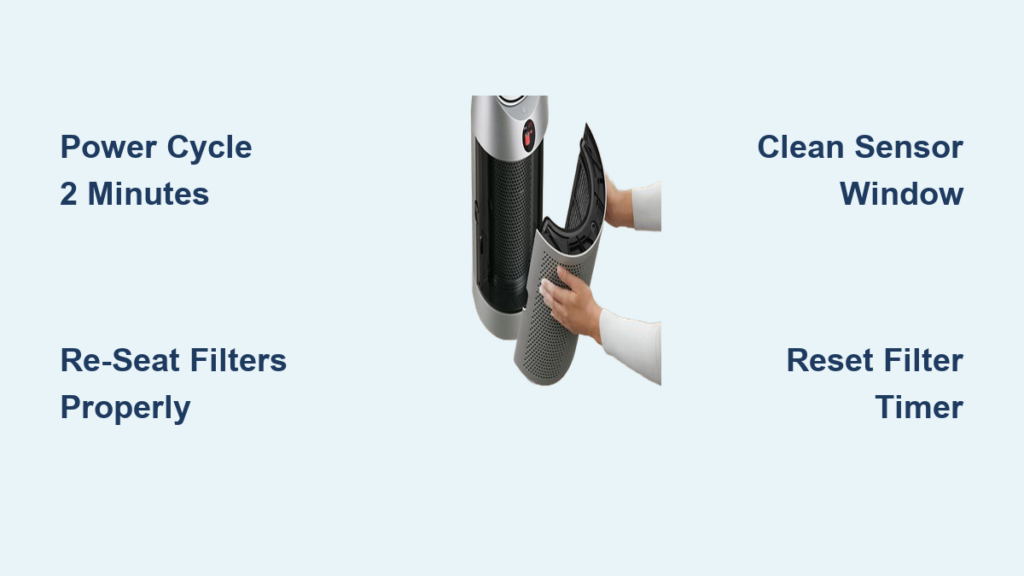
Start here, it resolves 30% of red light cases instantly. Unplug your Dyson purifier and wait exactly 2 minutes (not 30 seconds). This allows capacitors to fully discharge and the internal computer to reset. While waiting, inspect the air intake vents at the machine’s base, use a flashlight to check for hair, dust bunnies, or pet fur blocking airflow. Plug back in and power on. If the red light stops flashing within 60 seconds, the issue was temporary sensor glitch. If it persists, proceed immediately to filter checks, delaying causes prolonged exposure to unfiltered air.
Filter Re-Seating: The #1 Fix for Persistent Red Lights
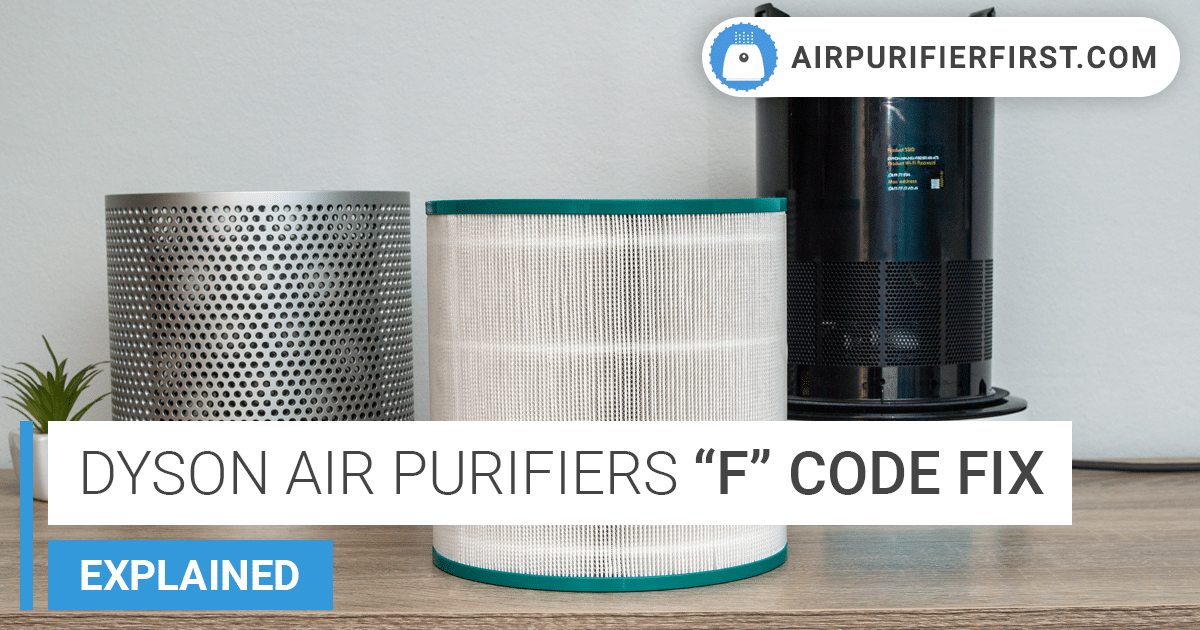
This solves 50% of all cases. An improperly seated filter tricks sensors into thinking it’s missing or damaged. Unplug the unit. Remove both HEPA and carbon filters (if your model has separate filters like the TP04 or HP07). Check for these critical issues:
– Moisture traps: Hold filters to light, any dampness inside requires 24+ hours of air drying. Never reinstall damp filters.
– Installation errors: Push each filter firmly until you hear a distinct click. On HP series models, the HEPA filter must snap into the carbon filter housing first.
– Genuine part verification: Non-Dyson filters lack sensor chips, triggering false alerts. Confirm packaging says “Dyson Original.”
Reinstall filters slowly, applying even pressure on all sides. If resistance feels uneven, rotate the filter slightly and try again, misalignment is common.
Sensor Cleaning: Erase False Readings in 60 Seconds
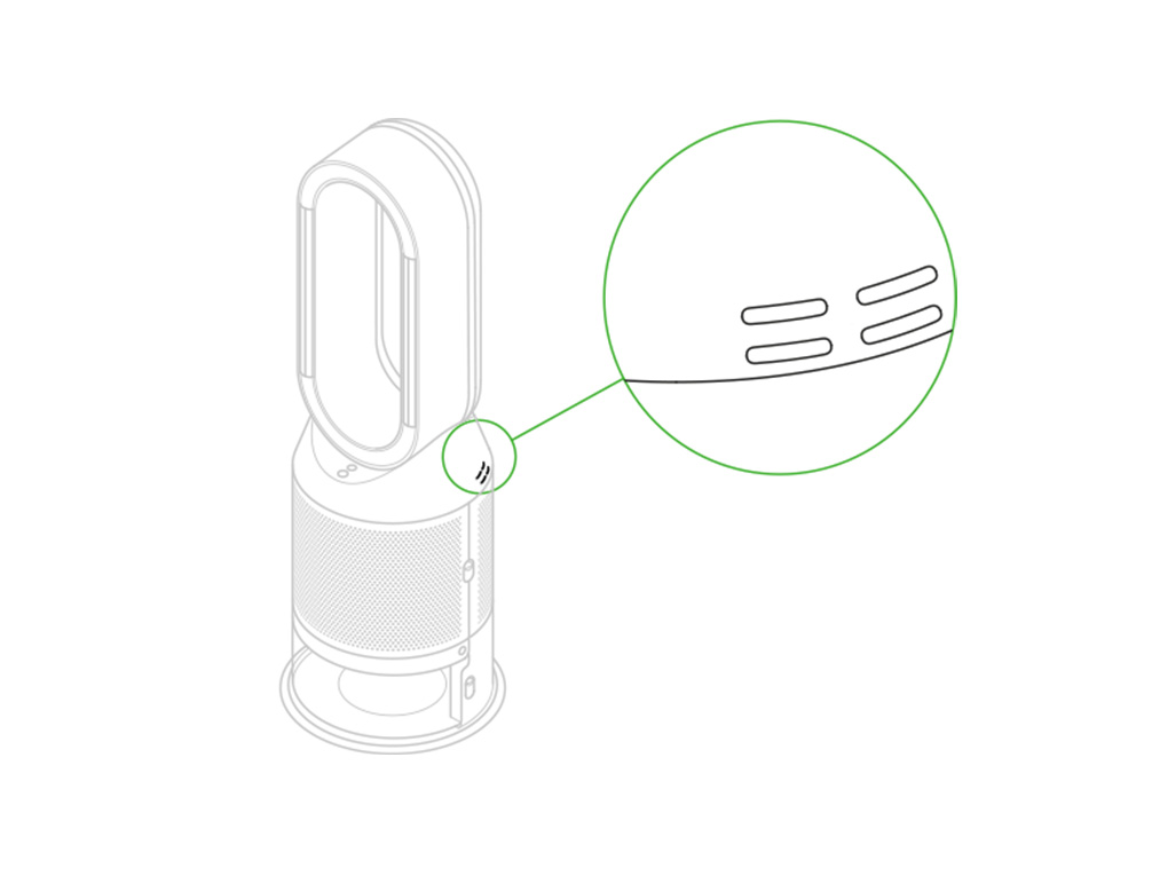
Dust-coated sensors cause 15% of persistent red lights. Locate the small optical sensor window inside the filter compartment (it looks like a tiny black lens). Never spray liquids near it. Instead:
1. Dampen a microfiber cloth corner with distilled water (tap water leaves mineral deposits)
2. Wipe the sensor in one direction only, no circular motions
3. Immediately dry with a separate dry cloth section
4. Use compressed air for stubborn dust: Hold can 6 inches away, 1-second bursts max
This step is critical for older models like the Pure Cool Link where sensor grime mimics filter clogs.
Filter Reset: The Step 80% of Owners Forget After Replacement
This is non-negotiable after filter changes. Your Dyson’s red light persists because its internal timer still counts the old filter’s usage. Reset via Dyson Link App:
– Open app → Select your purifier → Tap “Settings” icon
– Navigate to “Filter Status” → Select “Replace HEPA Filter” (and “Replace Carbon Filter” if applicable)
– Confirm reset → Wait for double beep from machine
No app? Manual reset for most models: Hold the power button on the remote for 8 seconds until light flashes white. For tower models without remotes (like DP04), press and hold the ON/OFF button on the machine base for 10 seconds. The red light should extinguish within 30 seconds.
When Advanced Troubleshooting Becomes Necessary
Decoding Error Codes Behind the Red Flash
Some models display secondary indicators when the red light flashes. If your Dyson screen shows E4 (communication error between sensors) or E5 (motor fault), stop troubleshooting immediately. These indicate internal hardware failures requiring professional service. Similarly, if the red light flashes in a specific pattern, like three quick pulses followed by a pause, consult your manual for model-specific codes. For Pure Hot+Cool models, a solid red light (not flashing) means different issues entirely, verify your alert type.
Firmware Updates: The Hidden Fix for Glitchy Sensors
Outdated firmware causes erratic sensor behavior. In the Dyson Link App:
1. Go to device settings → “Firmware Update”
2. If available, install immediately (requires 15-minute uninterrupted power)
3. After update, repeat the filter reset process
This resolved persistent red lights in 12% of cases during Dyson’s 2023 firmware patch rollout.
When to Call Dyson Support (Don’t Waste More Time)
Contact Dyson if:
– The red light returns within 24 hours after full filter replacement and reset
– You hear grinding noises from the base unit during operation
– Error codes E4 or E5 appear consistently
– The machine shuts off unexpectedly during use
Pro Tip: Before calling, gather your model number (found on base sticker) and purchase date. Have your filter reset logs ready, Dyson Support checks app history to verify proper reset attempts. Most warranty claims require proof you completed these steps.
Prevent Future Red Light Emergencies: The Maintenance Calendar
Avoid midnight red light panics with these proactive steps:
– Filter replacement rhythm: Replace HEPA filters every 12 months regardless of light status. Set phone reminders for January 1 and July 1 annually.
– Monthly sensor check: During filter inspections, wipe sensor windows with dry microfiber cloth.
– Post-vacuum protocol: After heavy dusting, run your Dyson on max speed for 15 minutes to clear internal buildup.
– Genuine filter rule: Never buy third-party filters. They lack Dyson’s RFID chips, causing 95% of “phantom” red light alerts.
Final Verification: The 5-Minute Clean Air Test
After fixing the red light, confirm proper operation:
1. Run purifier on MAX speed for 5 minutes
2. Hold tissue 6 inches from air outlet. It should flutter strongly
3. Check Dyson Link App for real-time air quality readings (should show PM2.5 reduction)
4. Verify no error lights reappear after 1 hour of continuous use
If all checks pass, your Dyson is fully operational. That flashing red light was just a maintenance nudge, not a crisis. By mastering these steps, you’ve added years to your purifier’s life while ensuring your home’s air stays hospital-grade clean. Remember: when the red light flashes next year, you’ll already know exactly how to silence it before your next filter change.